Guide
How to Pose for Photos Without Feeling Awkward
Keep the Camera Away From Your Face
Holding the camera too close can distort your face and make the photo feel uncomfortable. Move it a little farther away, then zoom in slightly if needed.
For selfies, try holding the camera just above eye level. Keep your arm relaxed and avoid pushing the phone too close to your face.
Use Small Movements
Do not try to stay completely still.
Turn your head slightly, move your shoulders, touch your hair, adjust your clothes, or shift your weight from one leg to the other. Small movements usually look more natural than forcing one perfect pose.
Take several photos while moving instead of waiting for a single perfect moment.
Can't Recreate the Pose You Want? Candid AI Can Help
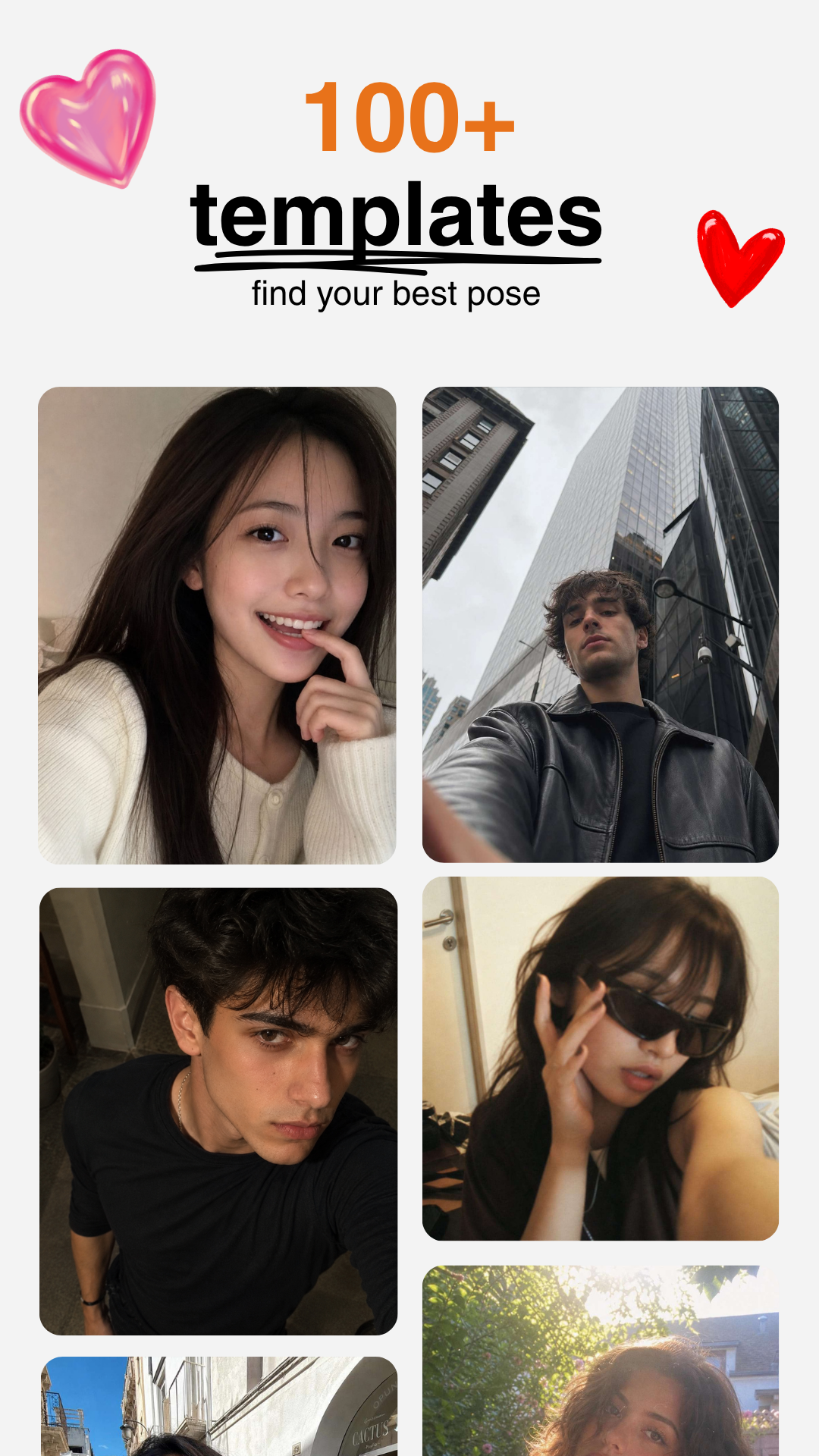
Sometimes you find a great pose on Pinterest or Instagram, but it is difficult to copy the body angle, hand position, and camera framing at the same time.
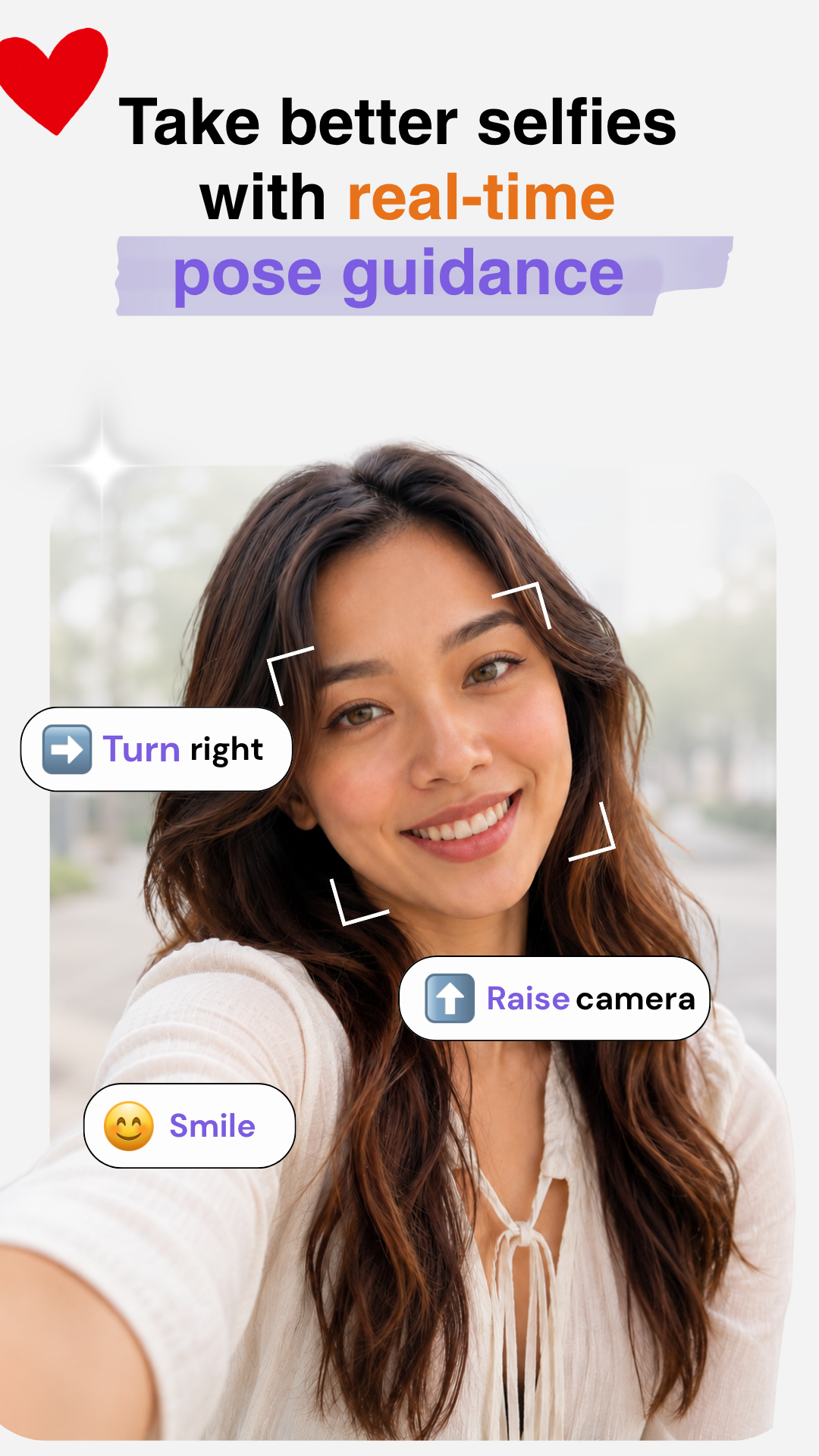
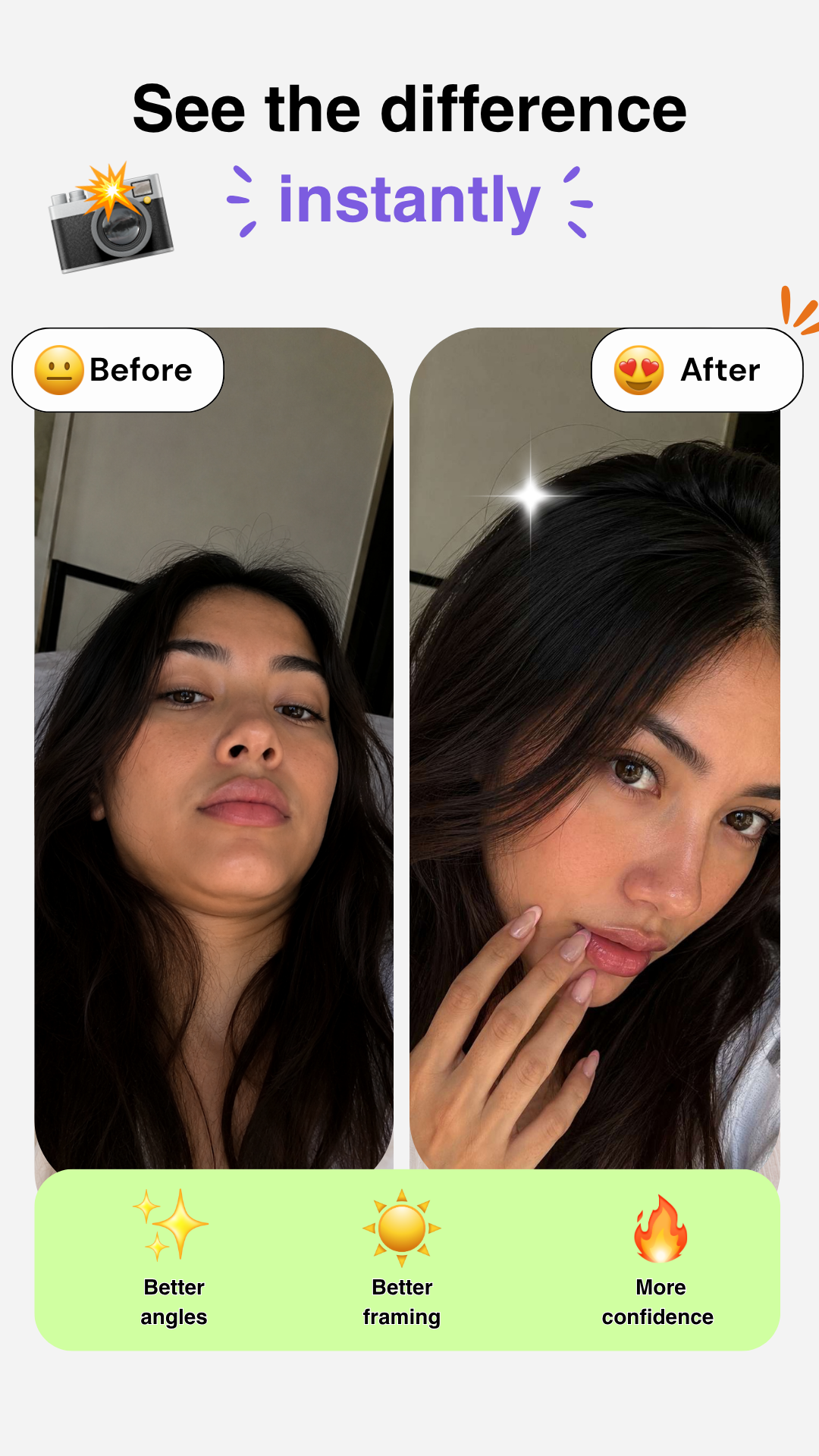
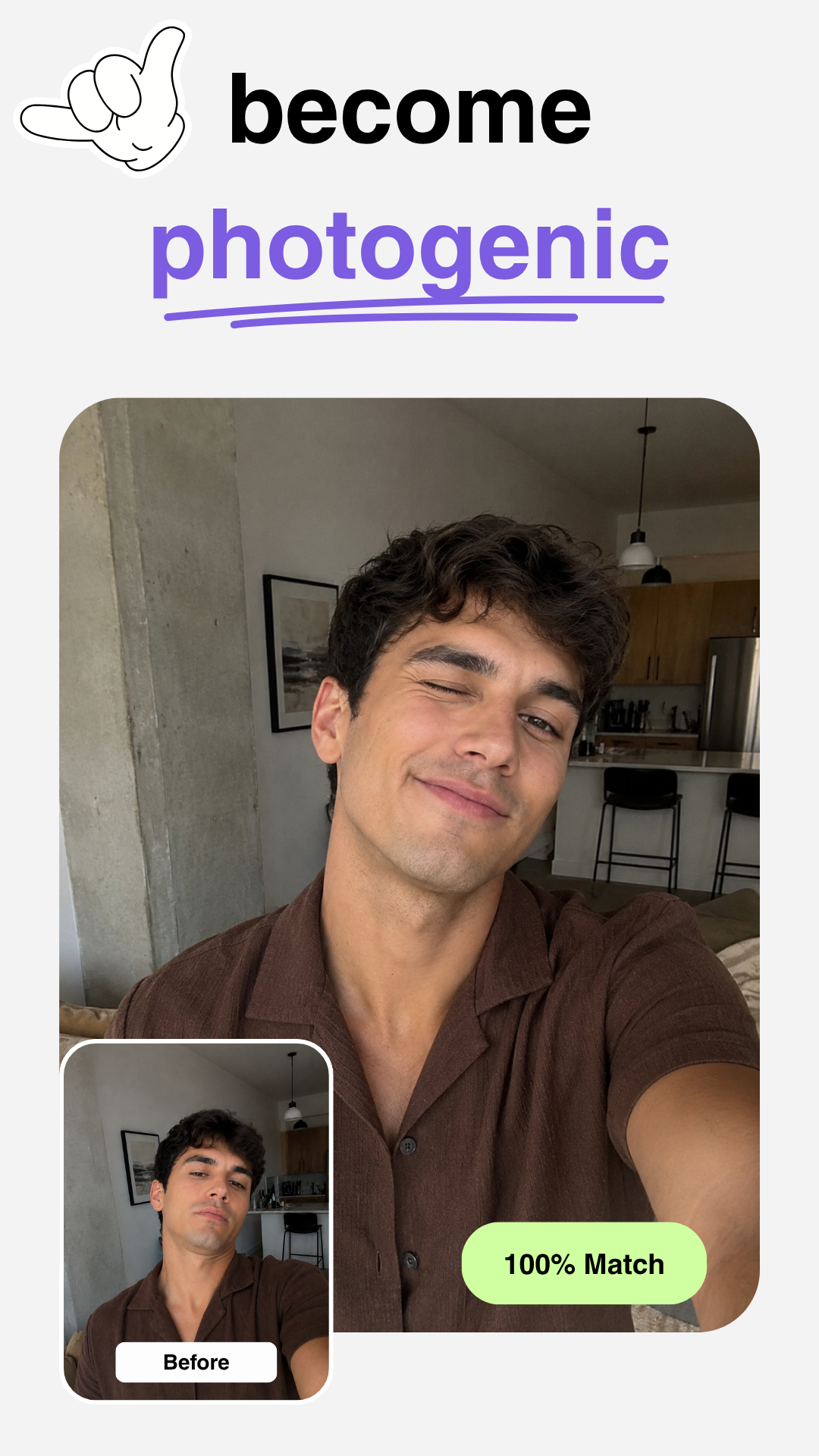
Candid AI helps you choose a pose and follow it with real-time camera guidance. It can guide your phone position, body placement, and framing, then automatically take the photo when you are ready.
You can try it at candidai.art.